
Multi-chain assets
Understand assets across networks, address compatibility, network differences and confirmations instead of choosing a route by token name alone.
Explore multi-chain networks →A multi-chain wallet, blockchain network and Web3 knowledge hub from imtoken
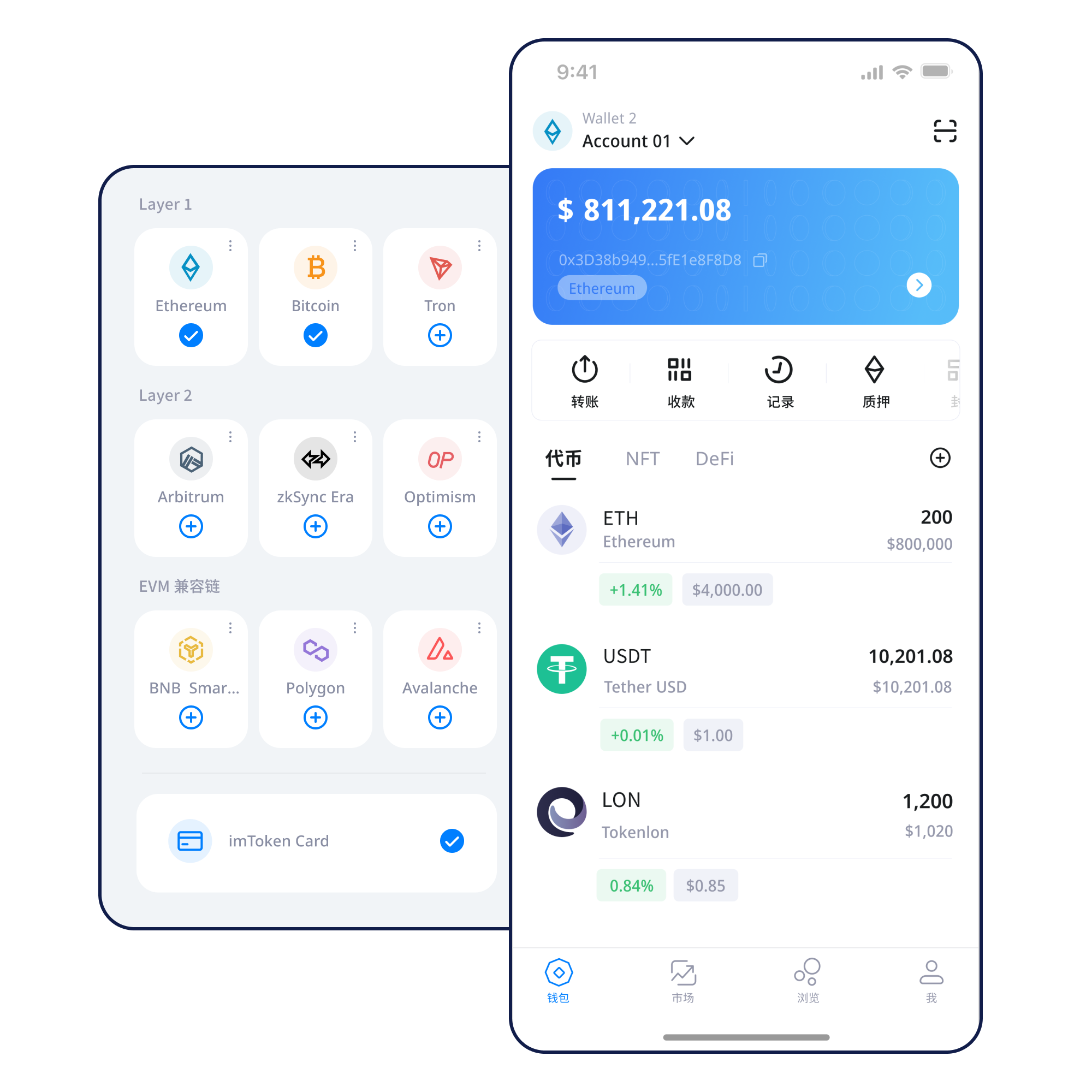
Manage assets across networks while keeping network selection, transfers, DApp connections, token approvals and wallet security in one understandable workflow. Whether you are receiving assets for the first time or preparing to interact with a smart contract, verify the network, address and request details before acting.
Start with a task
Understand addresses, seed phrases and private keys before choosing whether to create or import a wallet.
Create and import guide →Keep the seed phrase offline. Do not screenshot it, send it to anyone or give it to someone claiming to be support.
Backup principles →Share the correct receiving address and confirm that both sides are using the same network.
Receive Assets →Verify the address, network, amount and gas, then keep the transaction hash after submission.
Transaction checks →Connection is only the first step. Review signatures, transactions and token approvals separately.
DApp connection guide →Wallet capabilities
Every on-chain action involves an account, a network and a set of permissions. imtoken brings those decisions into the same context so they can be reviewed together.
Understand assets across networks, address compatibility, network differences and confirmations instead of choosing a route by token name alone.
Explore multi-chain networks →The receiving address, target network, amount, gas and transaction hash form one verification chain. Once confirmed, an on-chain transaction generally cannot be reversed by a wallet alone.
View the full workflow →View assets, switch networks, follow transaction history and verify the source before entering a DApp.
Explore the App →Browser connections should distinguish account access, signatures, transactions and approvals. Accepting one step should never automatically approve the next.
Web usage guide →
Seed phrases and private keys should remain under the user’s control. Offline backups, approval reviews and device security require ongoing attention.
Open the security center →Explore blockchain networks
不同网络拥有自己的链 ID、Gas 资产、区块状态与合约生态。Send Assets前要确认发送方与接收方使用同一网络,并理解跨链或跨层转移需要额外流程。
Read the multi-chain guide →
Transactions are propagated by nodes, included in blocks and confirmed. A block explorer can independently show transaction hashes, block height and public address state.
认识Public Chains →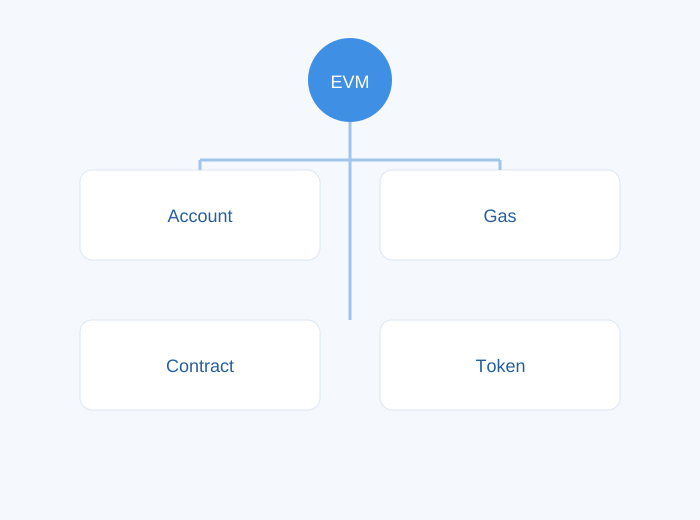
Similar address formats can be misleading. Verify the chain ID, gas asset, contract address and bridge separately.
Understand EVM →
Deposits, withdrawals and bridges can pass through different confirmation stages. Do not rely on an interface balance alone to decide that a cross-layer process is final.
Learn Layer 2 →Fee estimates, inclusion speed and final confirmation times change with congestion and transaction complexity. For pending transactions, check the transaction hash before sending again.
Gas & Confirmations →Wallet workflow
Use the website download entry point rather than unknown links.
Know the difference between creating and importing, and never hand a recovery phrase to a third party.
Keep the seed phrase offline, avoid screenshots and never disclose private keys.
Confirm the chain ID, network name and receiving network.
Verify the address, network, amount and gas; consider a small test when appropriate.
Keep the transaction hash, review DApp signatures and periodically remove approvals you no longer need.
Web3 与 DApp
A wallet connection usually establishes communication between an account and a DApp. Message signatures, transaction signatures, token approvals and contract calls can follow, and each request has different permissions and consequences.
Open the Web3 guide →Connecting a wallet does not mean every signature request should be accepted. Review each signature and approval independently.
Security
Seed phrases and private keys remain under the user’s control. Legitimate support should not request them through chat, forms or remote-control software. Security also includes verifying DApp domains, understanding signature content, reviewing token approvals, using trusted devices and networks, and re-checking the address, network and amount before every transfer. Confirmed on-chain transactions generally cannot be reversed by a wallet alone, and third-party DApps, smart contracts and bridges can carry technical or operational risk.
Open the security center →Featured beginner guide
地址用于公开Receive Assets;助记词和私钥负责控制钱包,必须保持私密;网络决定交易在哪条链上发生;Gas 反映链上执行成本;交易哈希用于验证提交结果;Connect to a DApp 后还要分别理解签名和授权。把这些概念连在一起后,才能真正看懂钱包界面中的每一步。
Read the full guide →Ethereum & PoS
Ethereum PoS uses validators to participate in consensus. Reward sources, network conditions, exits and withdrawals all affect the experience. Rewards can change and are not guaranteed.
Learn Ethereum staking →Product & Security Updates
围绕Multi-chain assets、交易状态和 DApp 连接补充更清楚的操作路径。
Security NoticeNever provide a seed phrase, private key or verification codeStop immediately if a webpage or supposed support agent asks for sensitive credentials.
Network NoticeVerify the target network before cross-chain or cross-layer transfersAssets with the same name can use different contracts and arrival flows on different networks.
Service NoticeStart troubleshooting with public on-chain informationPrepare the transaction hash, network name and public address without sharing sensitive information.
FAQ
Wallets, seed phrases, networks, DApps, approvals and Ethereum PoS.
View the full FAQ →No. Seed phrases and private keys should remain under the user’s control, and legitimate support should not request them.
It lets you check submission, block inclusion and confirmation in a block explorer.
No. Connection, signatures, transactions and token approvals are different requests and should be reviewed separately.
Network congestion and transaction complexity can change fee estimates and final costs.
Cross-layer processes can involve mainnet confirmation, proofs or exit waiting periods, depending on the system.
No. Rewards can change, and network penalties, exit queues, contract risk and market volatility may apply.
Get started
通过统一下载入口Get imtoken,并继续阅读钱包、网络与Security Guide。